It stores
Your notes, profile, focus areas and attestation records — each one signed by your key before it ever leaves your browser.
Node Bridge
A 'node' on Nodifye is not a bitcoin node. It's your personal data node — a small program you run that holds your notes, profile and attestations in a database only you control. Here is precisely what it is, what it stores, and how to start one.
What it is
No blockchain to sync, no wallet to fund, no port-forwarding headaches beyond one HTTPS port. If you can run a container, you can run a sovereign node.
Your notes, profile, focus areas and attestation records — each one signed by your key before it ever leaves your browser.
Nodifye talks to your bridge over HTTPS, authenticated by a pairing code you generate in settings and can rotate at any time.
On Sovereign — Bring Your Own, the bridge is the only copy. Nodifye holds no shadow record of your content.
docker run -d --name nodifye-bridge \
  -p 8443:8443 \
  -e NODIFYE_PAIRING_CODE=<your-pairing-code> \
  -v nodifye-data:/data \
  ghcr.io/nodifye/node-bridge:latest
Your pairing code appears in Settings → Sovereignty once you're on a node-enabled tier. Paste it in, run the command, and the connection verifies itself within a few seconds.
Where you manage it
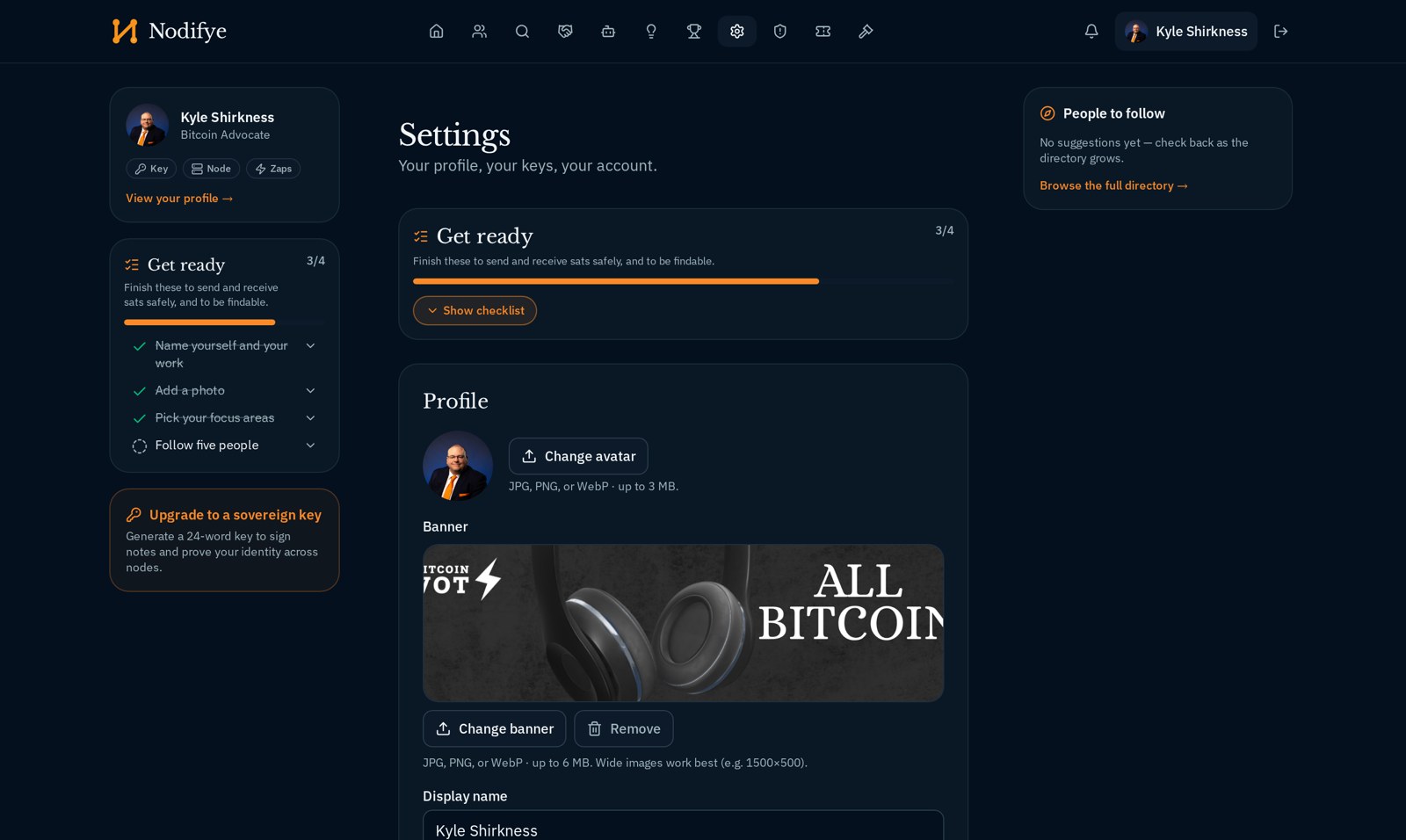
The Sovereignty section of your settings holds everything node-related: your pairing code, the bridge's verification state, mirror mode, and the export that takes your node home. There is no separate admin console to learn.
Choosing
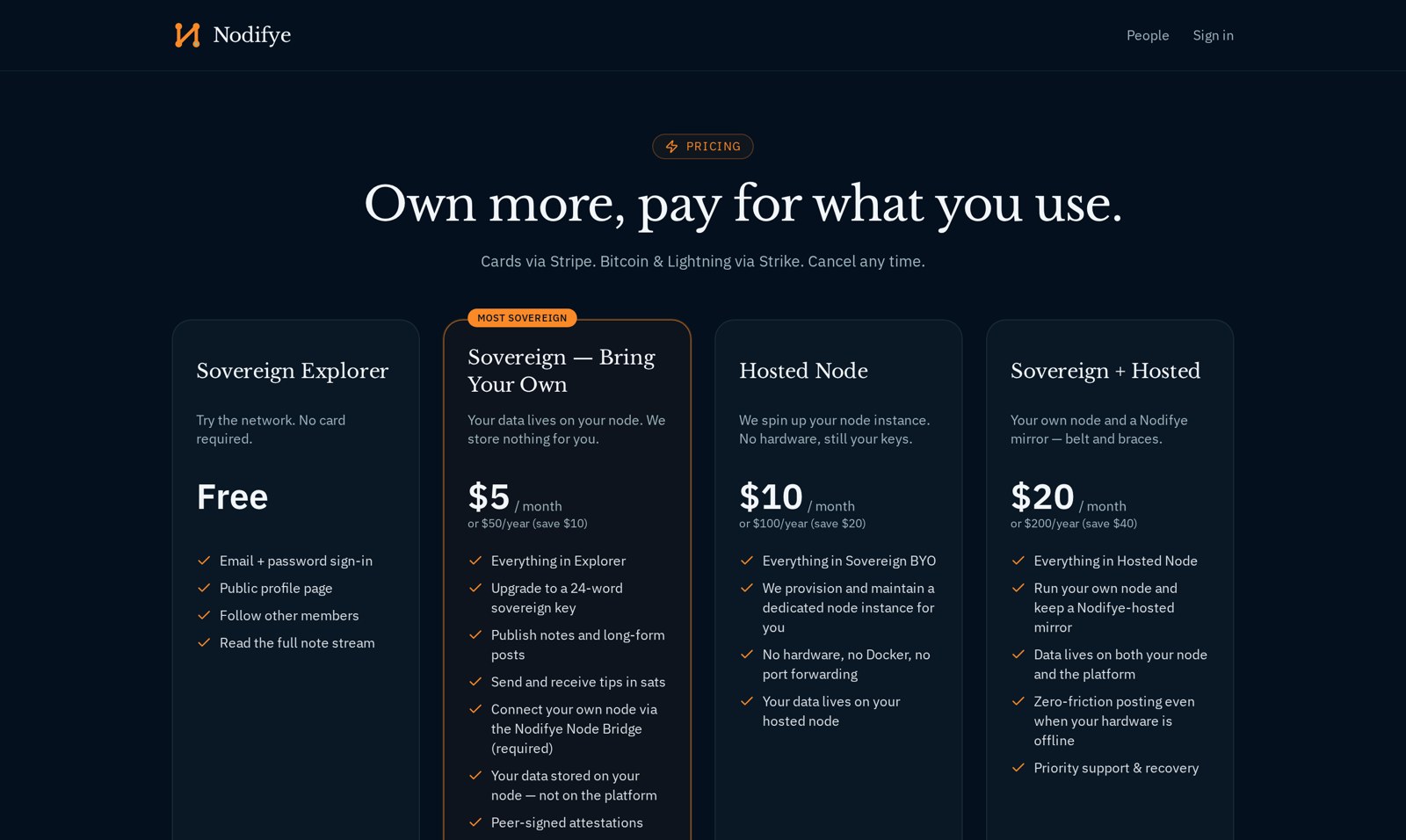
The bridge is the same software either way. The only question is whose machine it runs on — and that question is the whole difference between the paid tiers.
Requirements
A home server, a Raspberry Pi, a NAS, or a $5 VPS. There are no vendor-specific integrations — the same container runs everywhere.
HTTPS on 8443. That's the entire network surface. No inbound peer traffic, no chain data, no bandwidth surprises.
Text, profile data and signatures. Most members will never pass a few hundred megabytes.
This is a data node, not a bitcoin node. If you already run one, great — but it's unrelated and not required.
Request an invitation and we'll walk you through pairing your bridge on the first call — or provision a hosted one for you.
Sign-ups are invitation-only while we onboard the first cohort.